Updates handled for you
Automatic WordPress updates on every plan keep your site current without manual work.
WordPress hosting with LiteSpeed cache, a free CDN, automatic updates, daily backups and malware removal, with your sites and email managed through nPanel.
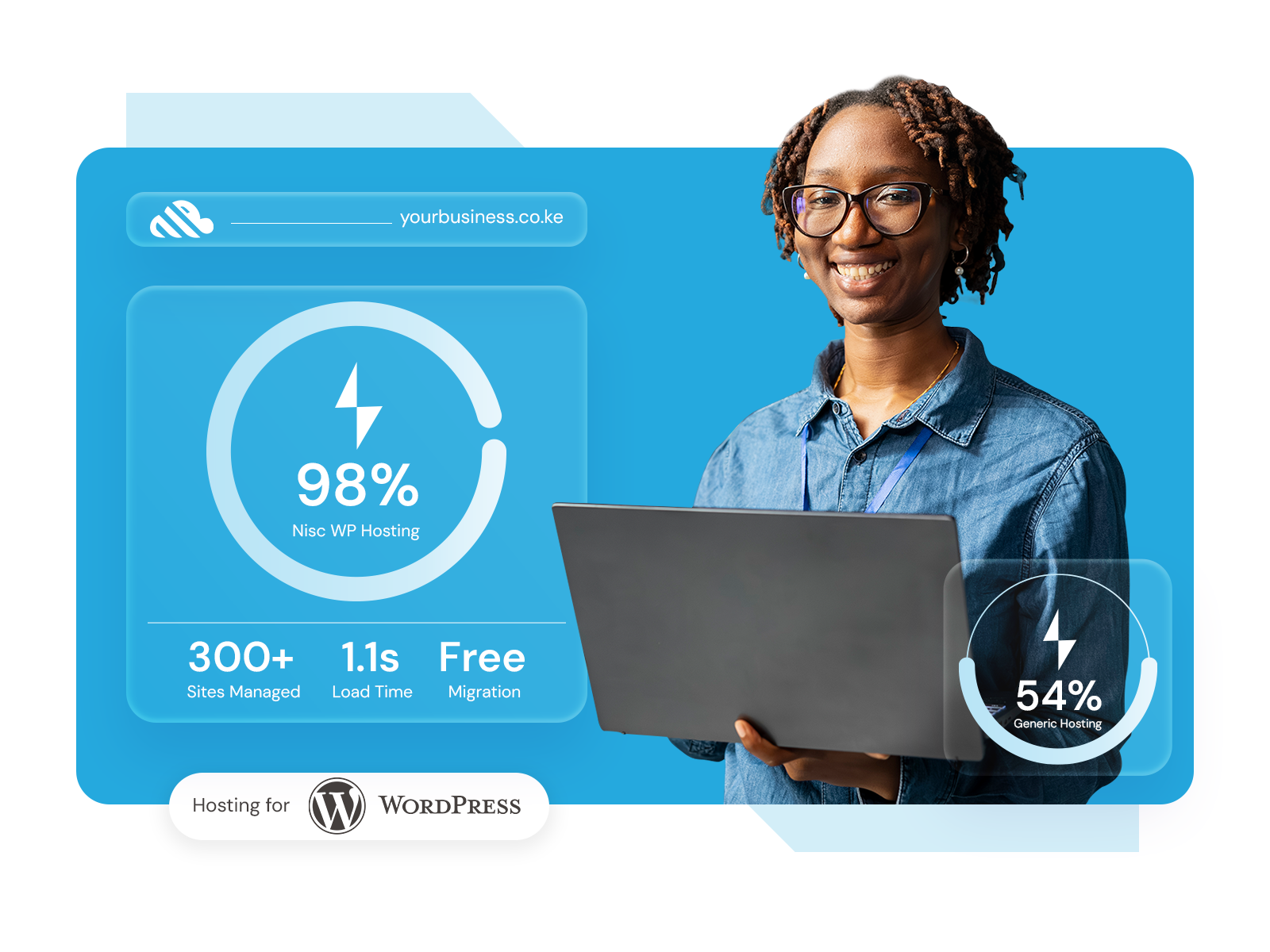
Managed WordPress hosting on NVMe storage with LiteSpeed cache, automatic WordPress updates, daily backups and security managed in nPanel.
Loading current prices
Choosing a plan
Launch suits a first WordPress site or blog, Business suits growing business sites and WooCommerce stores that need staging, and Performance suits high-traffic sites or several WordPress installs.
A first WordPress site or blog
Choose it if you run one WordPress site and want updates, backups and security handled from day one.
Growing business sites and stores
Choose it if you want a staging copy to test changes, or you run a WooCommerce store.
Most businesses start hereHigh-traffic sites and many installs
Choose it if you run several WordPress sites or a busy store, or your team works with Git.
Every plan includes automatic WordPress updates, daily backups, DDoS protection, malware scanning and removal, LiteSpeed cache and a free CDN. Business and Performance add staging, object cache and WooCommerce-ready setup, and Performance adds Git integration.
Every plan includes LiteSpeed cache, WordPress acceleration and a free CDN, so pages are served quickly without extra caching plugins. Business and Performance add object cache for busier sites and WooCommerce stores.
Page render time
1240ms
Business and Performance include a staging environment: a private copy of your site where you can try plugin updates, redesigns and new features, then push them live once they work.
Every plan includes automatic WordPress updates, daily backups, malware scanning and removal, and DDoS protection. Keep your themes and plugins from trusted sources and use strong, unique passwords for every administrator.
Manage WordPress from the command line with WP-CLI, connect over SSH or SFTP, choose PHP 8.3, 8.2, 8.1, 8.0 or 7.4 for your site, and deploy with Git on the Performance plan.
Compare
Choose managed WordPress hosting when your site runs on WordPress and you want updates, caching, backups and security handled for you. Choose web hosting for other website types, and a VPS when an application needs full control of a server.
| You're hereManaged WordPress hosting | Web Hosting | VPS Servers | |
|---|---|---|---|
| Best for | WordPress websites and WooCommerce stores | Business websites, Joomla, custom websites and PHP, Laravel or Node.js applications | Applications and high-traffic sites that need control of the server |
| Handled for you | Automatic WordPress updates, LiteSpeed cache, daily backups and malware removal | Servers, security, backups and email hosting | Server resources; you manage the software on the server |
| Developer tools | WP-CLI, SSH and SFTP on every plan; Git integration on Performance | SSH and command-line access | Root access where included in the plan |
| Testing changes | Staging environment on Business and Performance | Choose WordPress hosting when you need staging | Set up on the server yourself |
| Email accounts included | Email hosting included | Add Business Email for mailboxes | |
| See plans | Explore Web Hosting | Explore VPS Servers |
Explore what is included and choose the service scope that fits your organisation.
Server-level caching and WordPress acceleration on every plan, without extra caching plugins.
WordPress updates are applied automatically on every plan, so your site stays current.
Every plan scans for malware and removes it, alongside DDoS protection and daily backups.
Business and Performance include a staging copy for testing updates before they go live.
Business and Performance are set up for WooCommerce, with object cache for busier stores.
WP-CLI, SSH and SFTP on every plan, with Git integration on Performance.
HTTPS with a free SSL certificate and a free CDN on every plan.
Every WordPress plan includes email accounts on your domain, managed in nPanel.
A clear working process
Each stage has a clear purpose, next step and point for your input.
Launch for one site, Business for staging and WooCommerce stores, Performance for busy or multiple sites.
Install WordPress on your plan with your domain and free SSL, then manage it from nPanel.
Share access to your current site. We move it free of charge and agree the switch-over time with you.
Updates, backups, staging and email stay in one nPanel account after launch.
Already on WordPress?
Choose a plan, share access to your current site, agree what the move includes, and we copy your files and database to Nisc Cloud free of charge and check the site before your domain is switched.
A content site and an online store have different testing needs. Share your plugins, payment integrations and peak periods so the move can be planned around them.
Automatic WordPress updates on every plan keep your site current without manual work.
Malware scanning and removal, DDoS protection and daily backups come with every plan.
LiteSpeed cache, WordPress acceleration and a free CDN are part of every plan.
We move your site free of charge, after checking access, plugins, testing and switch-over with you.
Managed WordPress hosting explained
Managed WordPress hosting is hosting set up specifically for WordPress, where the provider handles routine work such as WordPress updates, caching, backups and security scanning so you can focus on your website.
When you compare WordPress hosting, check who handles core updates, plugin compatibility, backups and restores. With Nisc Cloud, automatic WordPress updates, daily backups, malware scanning and removal, LiteSpeed cache and a free CDN are included on every plan.
Hosting and website maintenance cover different responsibilities. If you also want someone to review plugin changes, fix custom code or check the site each month, add a website maintenance agreement.
Yes. Business and Performance plans are WooCommerce ready, with object cache and a staging copy to test changes before customers see them.
Start with your site size, expected traffic and how customers pay. A busy store benefits from Performance, while most growing stores start on Business.
WordPress, handled
Automatic updates, daily backups, LiteSpeed cache and malware removal on every plan, managed in nPanel.
Staging to live
Staging
Test changes safely
Live site
Your visitors see this